Athena Agent
Your playbooks.
Put to work.
Skills. Memory. Connected tools.
On repeat.
Work across the browser, terminal and files. Keep useful context between sessions, reuse specialist skills, and carry the brief through to a result you can review.
Explore Athena Agent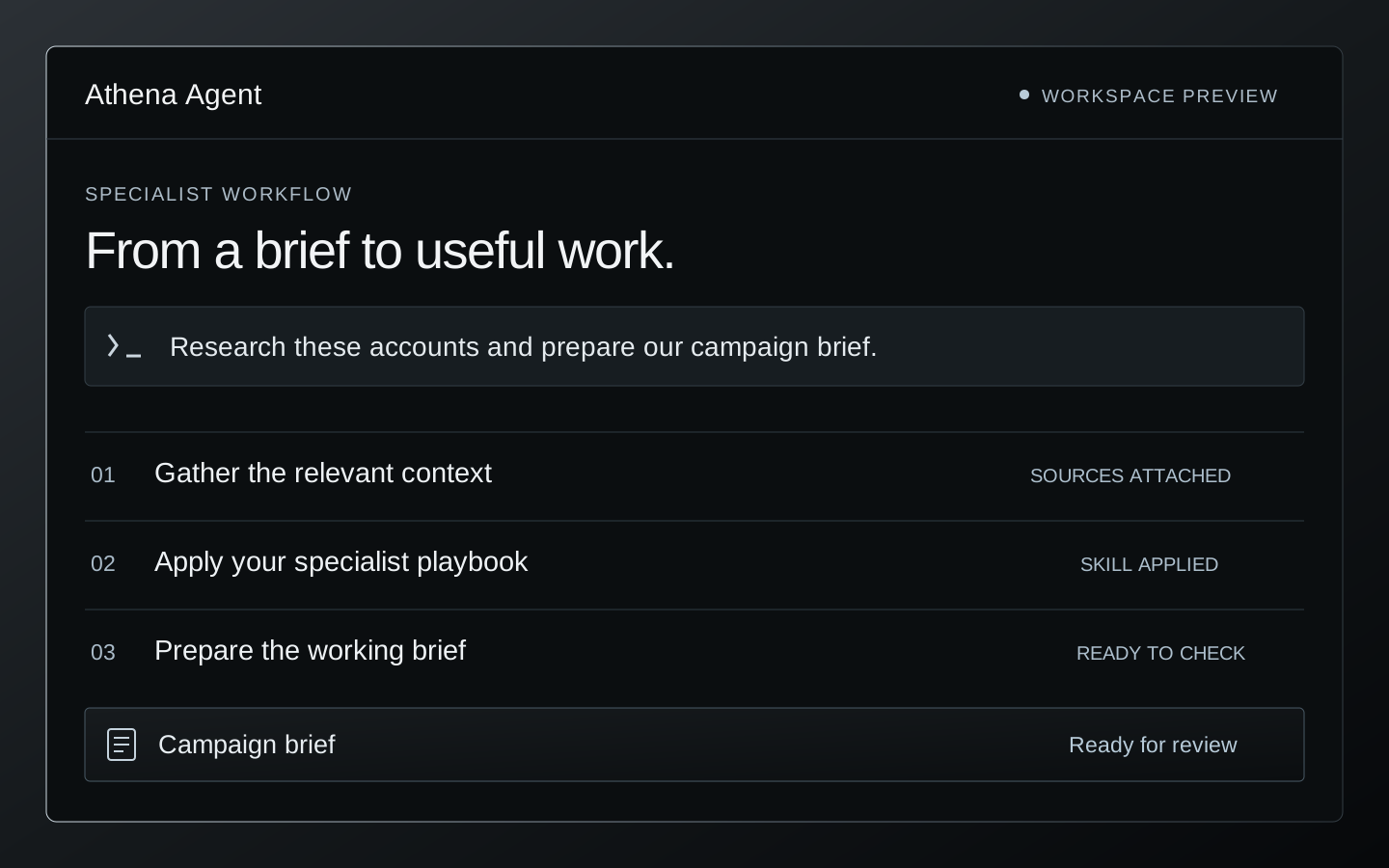
Athena Agent
Skilled.
Connected.
Run Athena Agent on your computer or infrastructure you control. Give it a brief and connected tools to work across supported websites, project files and terminal tasks.
Explore Athena AgentSpecialist skills.
Better working methods.
Our sales and marketing skills capture the sources, steps, and standards behind good work. Athena Agent can reuse a proven procedure instead of starting from a blank prompt.
A skill captures how to do the work: the sources, steps, checks, and output format. Refine that procedure with useful corrections and better approaches for the next run.
Show the method
Bring a procedure, references, and an example of the result you want.
Make it repeatable
Capture the tools, steps, and output format in a specialist skill.
Refine it in practice
Keep useful corrections and better approaches for the next run.
Keep useful context
Retain working preferences and project details between sessions. Find relevant earlier work when the saved history is available.
Reuse the working method
Save a successful procedure as a skill with its references and checks. Update the playbook as the workflow changes.
Your accounts.
A connected working context.
The Athena connectivity layer brings supported social, messaging, email, and calendar accounts into the workflow. Use relevant account context as an input to the skill, then carry an approved next step into the systems you connect.
Available actions depend on the connected account, channel, and granted permissions. Company publishing needs the appropriate account role. Publishing, messages, bookings, and record changes follow the review limits configured for the workflow.
Your environment.
Your boundaries.
Choose the working environment and supported model provider around the job. Configure the tools, accounts, and review steps your team needs.
Access that fits the work
Keep credentials and tools scoped to the task. Set which messages, publications, bookings, and record changes need your review.
A result you can inspect
Check important actions in the connected system. Plan availability, recovery, and retained context around the way your team operates.
Browser, terminal and files
Gather sources in the browser, update working files, and run the commands or checks the task needs in your configured environment.
Put recurring work on a schedule
Schedule research digests, reports, or routine checks with a reusable skill. Keep the scheduler running and send results to a configured destination.
The models you choose.
The systems you already use.
Choose from supported models and providers, then connect the systems your workflow needs. Routes, channel adapters, and available actions are configured for your deployment.
| Work | Examples |
|---|---|
| Models | OpenAI · Anthropic · Google Gemini · Meta Llama · Qwen · DeepSeek |
| Communication | Slack · WhatsApp · Telegram · Discord · Email |
| Engineering & projects | GitHub repositories, issues, and pull requests · Jira tickets · local project files · terminal and test tools |
| Documents & data | Google Drive · spreadsheets · PDFs · local files · AWS S3 |
| Sales & marketing | Salesforce · HubSpot · connected social accounts · calendars |
| Automation & operations | Authorized APIs and plugins · Zapier · Snowflake · approved internal tools |
| Payments | Stripe workflows, with scoped access and the required confirmation |
Examples describe connection options, not automatic access. Availability depends on the provider, account, adapter, and permissions selected for your deployment.
Put the skill
where the work is.
Sales & marketing
Research the audience, prepare a relevant account brief, and shape outreach, social content, or a campaign plan around your offer. Our specialist skills bring the method; your connected tools carry the next approved step.
Real estate & OpenERP
Bring approved OpenERP context into a project review. Organize the records that need attention, prepare follow-ups, and keep the next action connected to the project.
Bring us the work you repeat.
Start with one useful procedure. We will connect the sources, shape the skill, and define the result your team can review.
Talk to the team